
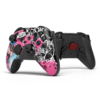
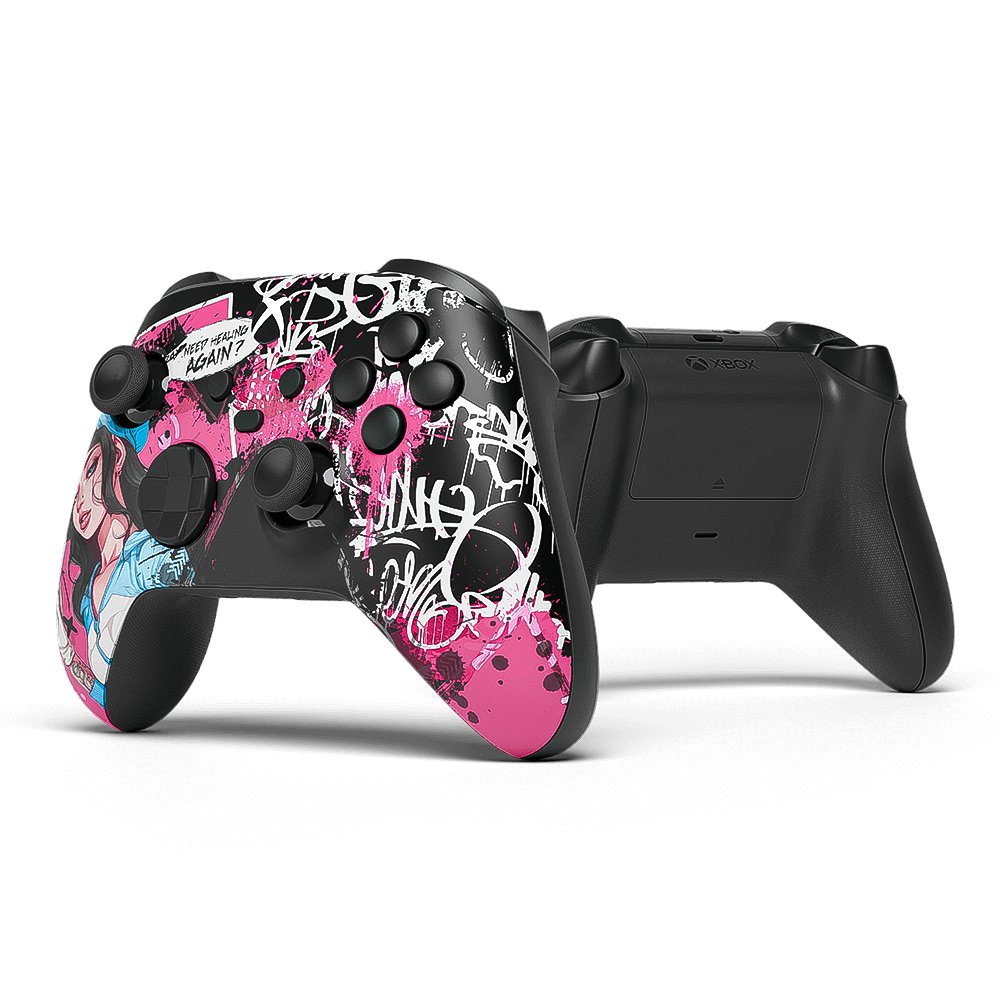
AIM PC MHX PinkRX NOIR Controller

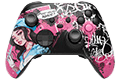
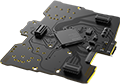
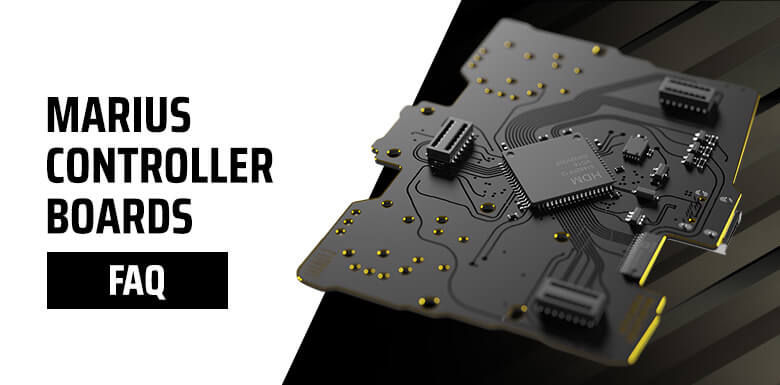
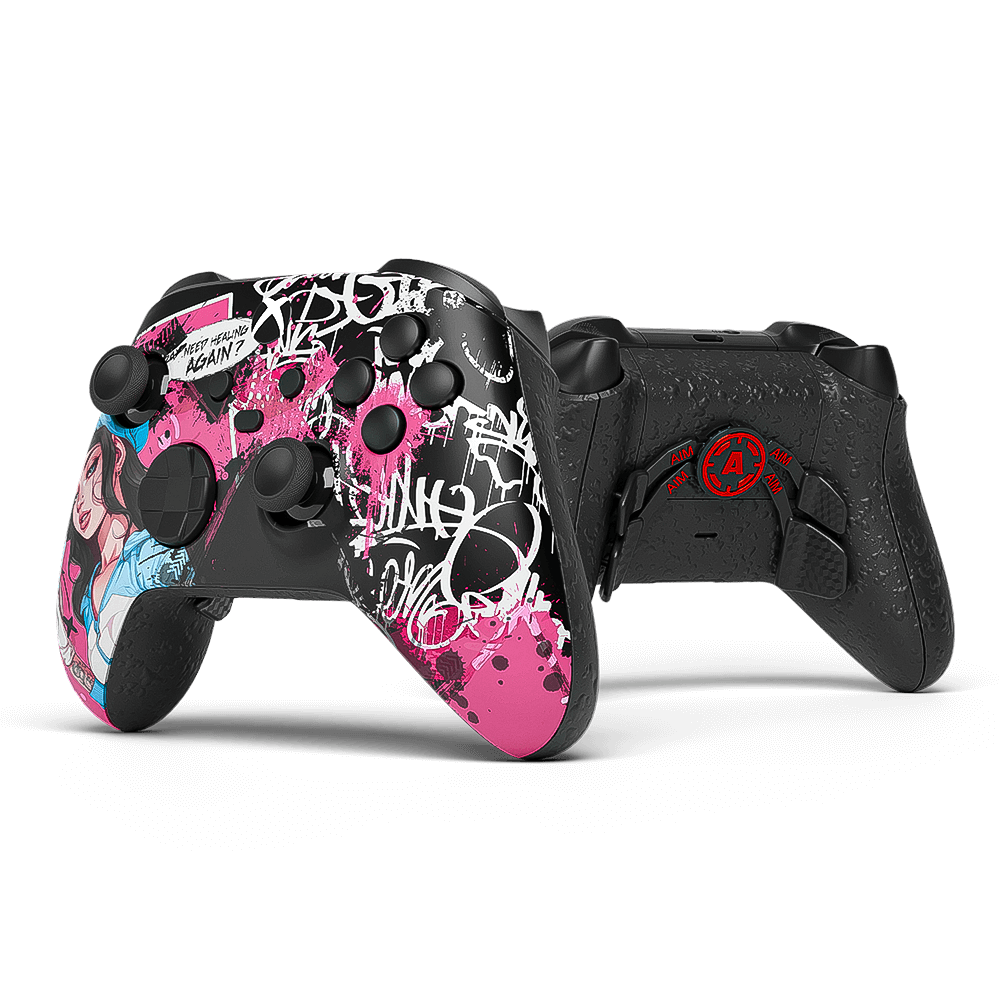
The PinkRX Noir Marius Board Controller combines sleek black with vibrant pink and an anime-inspired aesthetic for a bold, unmistakable look. Powered by the Marius Board, native 8000Hz polling, and precise TMR sticks, it delivers ultra-fast response and reliable control. A perfect choice for players who want standout style without sacrificing competitive performance.

10 business days for predesigned controllers

Want your controller to be fully personalized?

Build your own PC controller

Please note that controllers built with the Marius Board are designed exclusively for PC use and do not support the following features:

Console connectivity, Bluetooth connectivity, Wireless gameplay, Macros and scripting functions, Keybinding functionality, Rumble and vibration motors, Touchpad gestures and tracking, Internal battery operation, Gyro and motion controls, Headphone jack functionality, Reset button functionality
Comparison

Basic VS PRO

Choose the perfect version for your gaming style
The Basic Version

Stand out from the crowd

Ideal for those who desire a unique controller that fully meets their gaming expectations.

This version is perfect for players who want to express their personal style without the need for additional technical modifications. Get a clean, stunning look that matches your setup.

The PRO Version

Take your gameplay to the next level

Built for determined gamers who expect much more from their controller.

Custom modifications affect gained achievements while making it easy to beat the competition. The PRO version seems to be a must-have for all action and shooter game players, as the customized features improve gamer's response time, the comfort and efficiency of playing, while allowing to act faster due to the additional back buttons and digital mechanisms.

In case you would like to explore the world of enhancements, additional buttons and mechanisms even further, we offer you to fully personalize the controller in our custom PS5 configurator. We offer a variety of the buttons' modifications and design combinations.


Comparison

How the Aim MHX stacks up

Features Basic PRO
Warranty LIFETIME Warranty LIFETIME Warranty
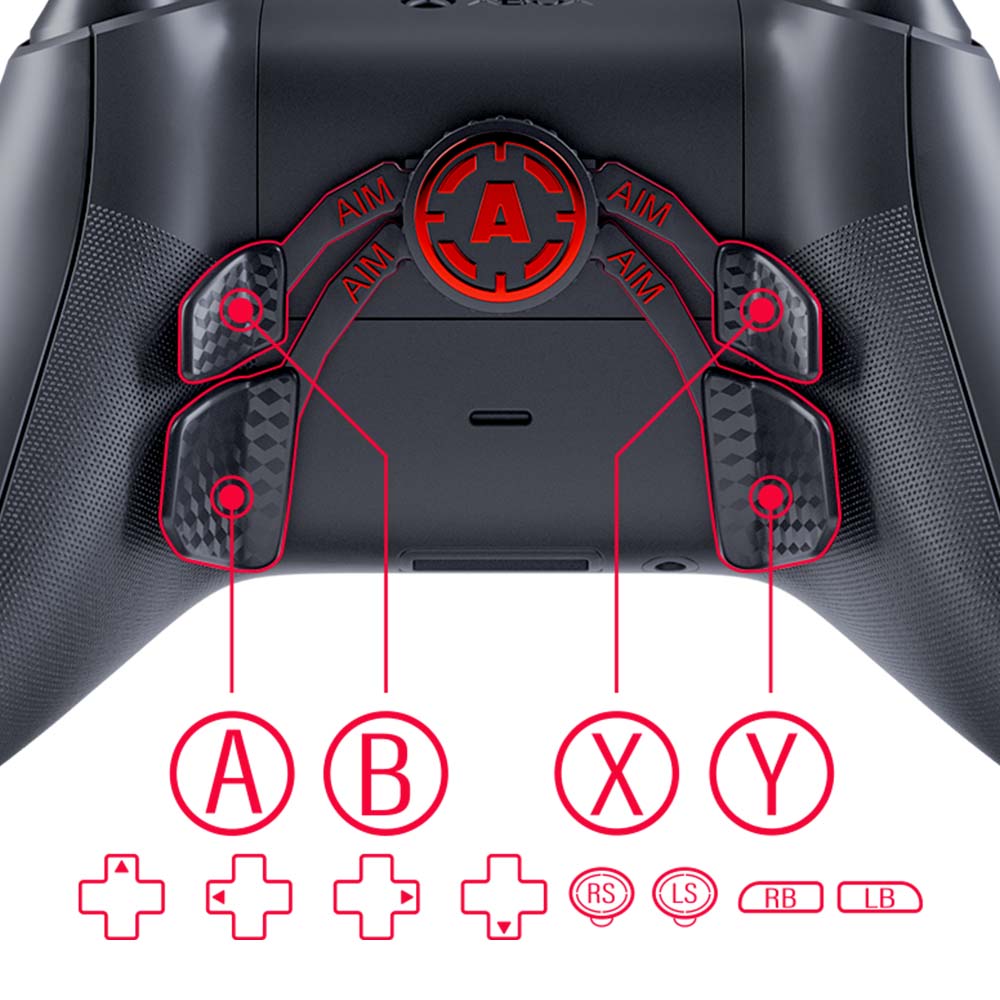
Additional Buttons Remapping Back Paddles
Adjustable Sticks
Additional modifications
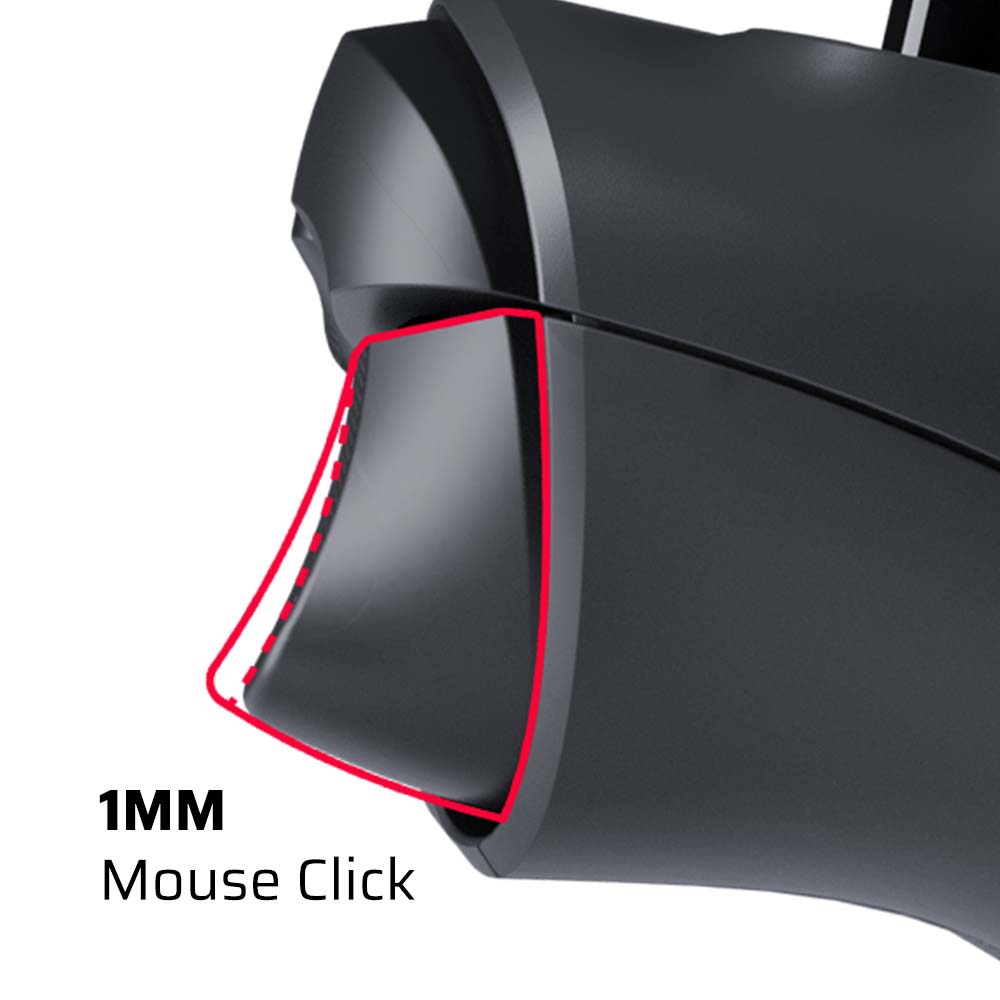
Smart Triggers
TMR
Marius Board

Exclusive

PRO Features

All the following features except the Aim Sticks are available only in the PRO Version!

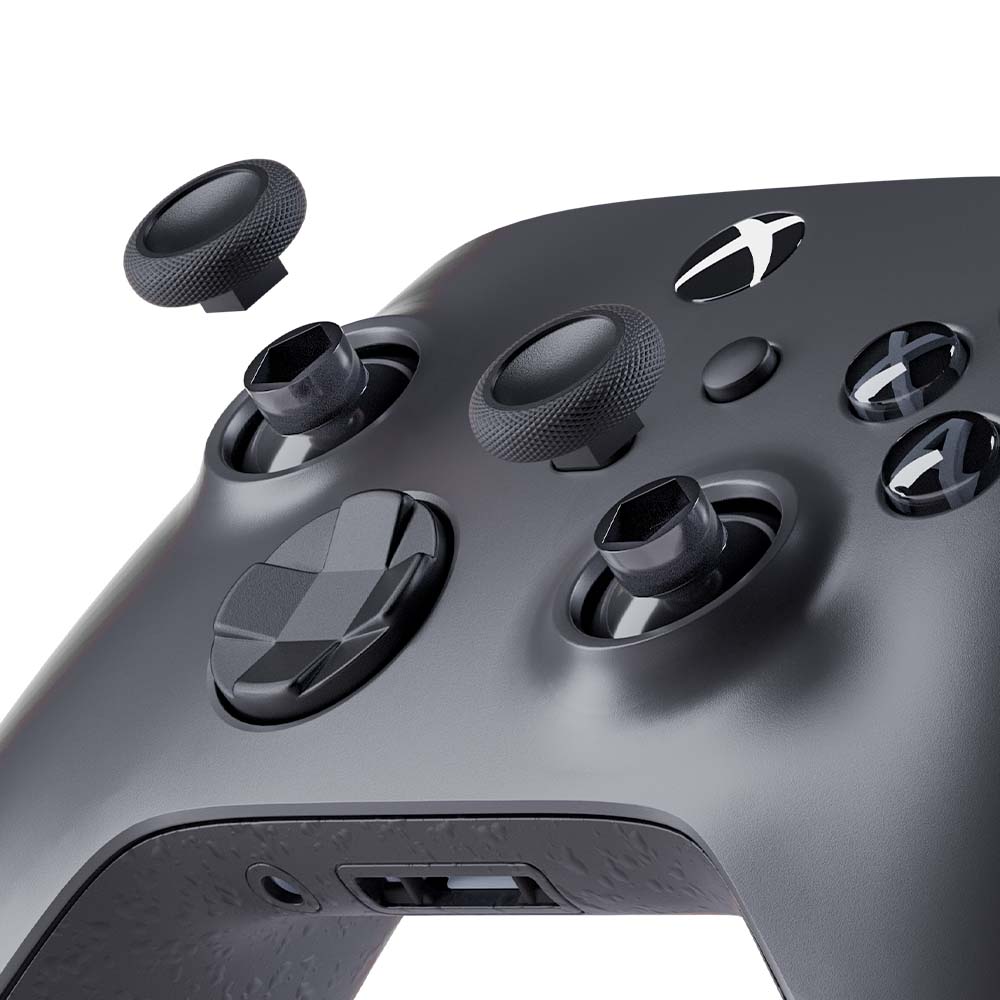
TMR STICKS

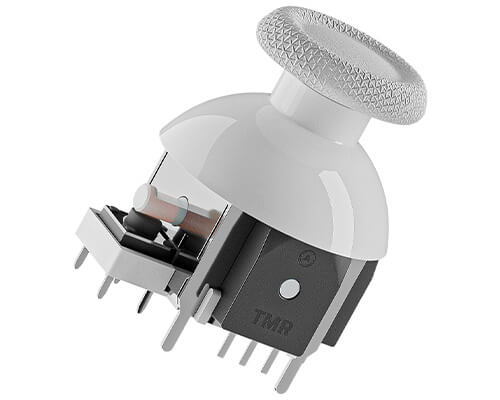
Take your gameplay to the next level with Xbox Controller with TMR - engineered for serious players who demand flawless performance. Our next-gen TMR sticks eliminate two of the most frustrating issues in traditional analog setups: stick drift and dead zones. That means ultra-precise aiming, instant responsiveness, and zero distractions holding you back.

Whether you’re clutching 1v1s in Warzone or locking targets in Apex, TMR sticks give you the edge you didn’t know you were missing. With no drift and no deadzone, every movement is smooth, accurate, and reliable - game after game.

Why Choose TMR?

  • No Drift: Your aim stays true - always.
  • No Deadzone: Total control from the slightest touch.
  • Pro-Grade Durability: Built to outlast the competition.
TMR Sticks

REMAPPING BACK PADDLES

A revolutionary button remapping chip for Xbox controllers, allowing you to program up to 12 buttons, providing unprecedented control and flexibility. Thanks to this technology, players can customize button functions to suit their playstyle, enhancing performance and gameplay comfort.

Remapping Back Paddles

SMART TRIGGERS

Smart triggers will allow you to act faster – their response time is much quicker thanks to the digital mechanism.

Smart Triggers

AIM STICKS

Now you cannot only change their color, but even the height (small, medium and high).

Aim Sticks
FAQ

Frequently asked questions

What do I get with an Aim MH5 instead of just the board?
You get a fully built, tested, and calibrated controller, ready to play, instead of raw parts that need soldering and setup. We combine the Marius MH5 performance board with our own paddles, trigger options, grips, and custom designs to build a complete competitive PC-only controller.
What is the best way to connect it to my PC?
USB cable only. For best performance, plug it directly into a rear motherboard USB port, not a front case port or a USB hub, and use a high-quality data USB cable. It does not support Bluetooth or wireless play.
Analog or Digital buttons for competitive play?
Digital buttons use mouse-click style switches: faster actuation, shorter travel, and a more responsive feel, recommended for competitive players. Analog buttons keep the original feel and pressure sensitivity for games that use it. For most FPS players we recommend Digital.
How do I confirm my polling rate?
Use Marius' DEEPPOLL tool. Polling tools measure how often the PC receives USB reports, not real-world latency, and small fluctuations around 8000 Hz can happen due to Windows, CPU scheduling, USB ports, or system load.
What if it isn't reaching the expected polling rate?
Open the Marius setup page and confirm the polling rate is saved at 8 KHz. Then try a different high-quality USB cable, connect directly to a rear motherboard port, avoid USB hubs, and try another port. If 8 KHz is unstable on your system, try 4 KHz or 2 KHz, since some PCs, motherboards, or games may not handle 8 KHz consistently.
Who is the Marius JDM-5X platform for?
The JDM-5X is a custom PC-only board for DualShock 4-style controllers, built for very low latency, high polling, and advanced stick and trigger calibration. Best for competitive PC gaming, FPS, and players who want maximum responsiveness over console features.
What features are not available on the MH5?
It does not support PlayStation or Xbox console connectivity, Bluetooth, wireless, macros, keybinding, rumble or vibration, touchpad gestures, internal battery, gyro or motion controls, a headphone jack, or a reset button.
Is it ready to use out of the box?
Yes. Every Aim MH5 is built, tested, and calibrated before shipping, ready to use on PC out of the box. Advanced users can still adjust calibration, polling, stick curves, deadzones, and mappings through the Marius setup tools.
Which bumper option should I pick?
Choose Digital. Smart Bumpers use mouse-click micro-switches as instant on/off inputs, which gives the fastest possible response on every press.
Why does my aim feel jittery sometimes?
8 KHz polling can be too demanding for some PCs, USB controllers, motherboards, or games. Try a rear USB port, another cable, another port, and close unnecessary background software. If it continues, lower the polling rate to 4 KHz or 2 KHz, you still keep most of the low-latency benefit.
Can I use HIDUSBF to overclock it?
No, you should not overclock this controller. The Marius board is built to run high polling rates through its own setup, natively. HIDUSBF can stay installed on your PC, but overclocking the Marius controller or its USB port may reduce performance or cause instability.
TMR vs Hall Effect sticks?
Both use magnetic sensing instead of carbon-track potentiometers, which reduces the risk of stick drift. Hall Effect is the older magnetic technology and very reliable when well implemented. TMR, or Tunnel Magnetoresistance, is newer and more precise, with very stable micro-movements and high accuracy.
Do I need DS4Windows or other software?
No. The controller is a PC-only plug-and-play device and DS4Windows is not required for normal use. Some games may still use Steam Input or in-game controller settings, but the controller itself does not need DS4Windows.
Where are the setup, update, and configuration tools?
Use the official Marius tools for calibration, remapping, polling configuration, stick and trigger settings, and firmware updates. Setup & configuration: devsetup.mariusheier.com Firmware updates: update.mariusheier.com Polling verification (DEEPPOLL): tools.mariusheier.com
Support

Need further help?

Our top priority at AimControllers is customer satisfaction.

If any questions or concerns arise before, during or after you place your order, please do not hesitate to contact us and we will do our best to provide you with the care you deserve.

Email: [email protected]

Phone number: 929-351-0447

Live chat: Available at the bottom right corner of the page.