





Aim MH5 Fastest PC Controller
Native 8000 Hz polling · 0.125 ms latency · TMR sticks that don’t drift
From $229 · Built to order in the US · PC only, does not work on consoles
A collab with Marius Heier, built, tested, and calibrated by AimControllers so it runs at full performance the moment you plug it in. No soldering, no setup.
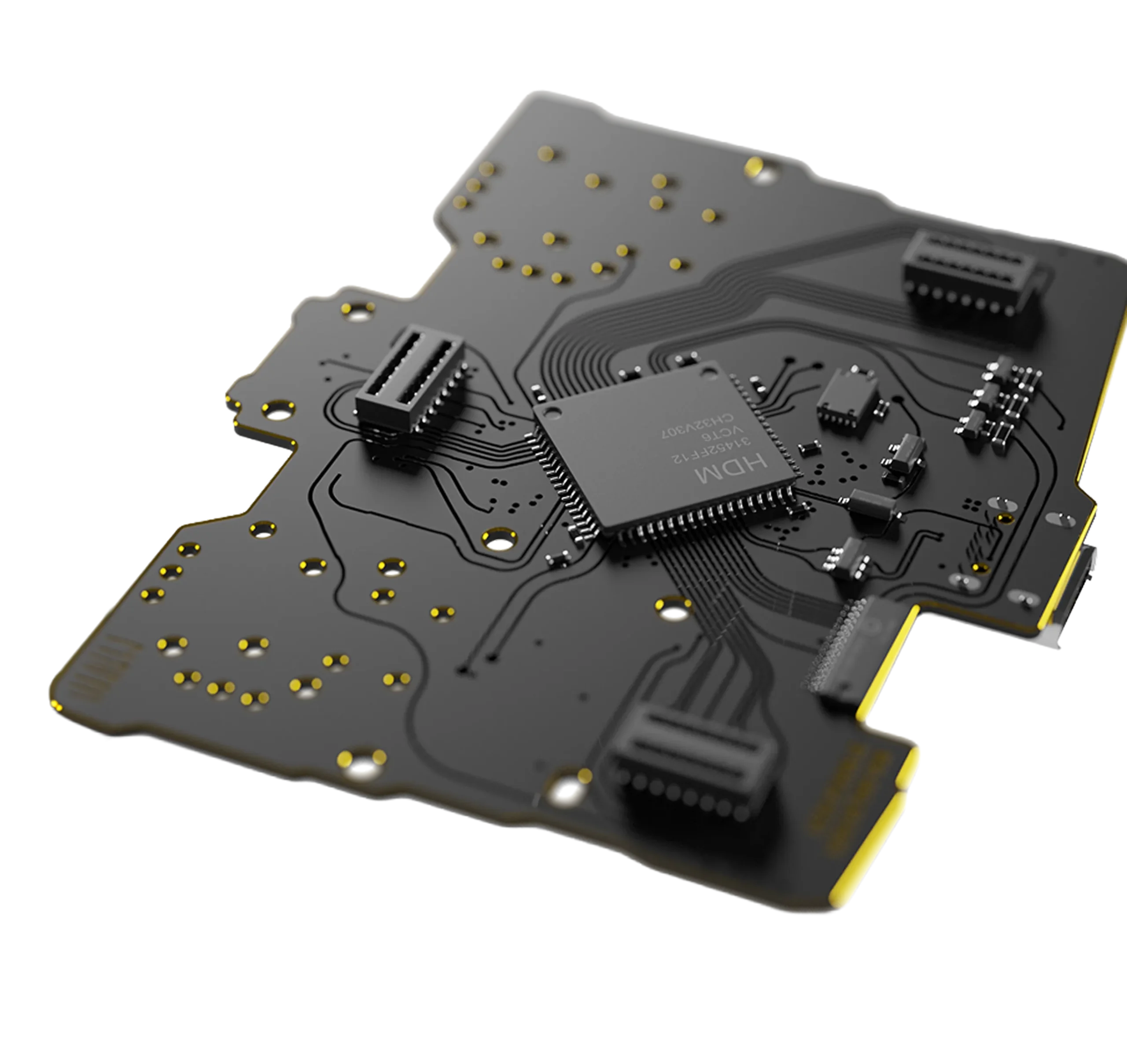
Powered by AIM, built for PC controllers
Native 8000 Hz polling
Eight times more updates than a 1000 Hz controller, with no overclock and no extra software.
0.125 ms response
Your inputs reach the PC every 0.125 ms.

TMR sticks
Tunnel Magnetoresistance sensing. No physical contact, so no drift.
You upgraded everything but the controller
You play on a 240 Hz monitor, a low-latency mouse, and a tuned PC. Then every input runs through a controller built on casual hardware from a decade ago. That is where your reaction time leaks.
The bottleneck
Most controllers, even premium ones, share the same internal architecture and firmware limits as stock models. Your fast setup waits on the slowest part.
The workaround
Overclock tools like HIDUSBF push the polling rate, but the controller still processes inputs on the same old hardware.
The fix
The Aim MH5 was redesigned from the board up: native 8000 Hz, TMR sticks, and an input path built for speed.
Real 8000 Hz, not an overclock
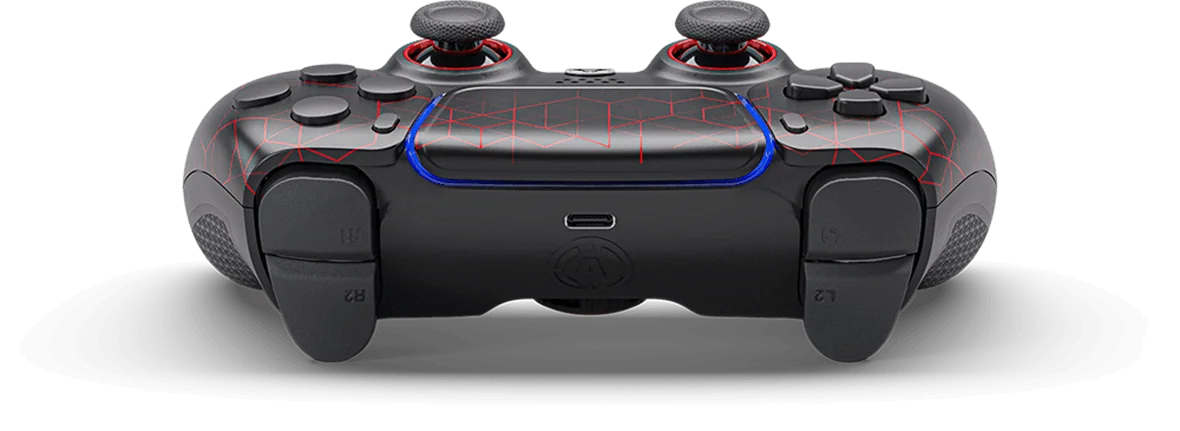
The hardware, firmware, and USB stack were built for high-frequency operation from the start. No HIDUSBF, no custom drivers, no background software, no registry edits. Plug it in and it runs at 8000 Hz.
Every 0.125 ms
At 8000 Hz your controller reports to the PC every 0.125 ms, eight times more often than a 1000 Hz controller. Less delay between your thumb and the screen means cleaner first-shot timing and steadier tracking.
Sticks that don’t drift
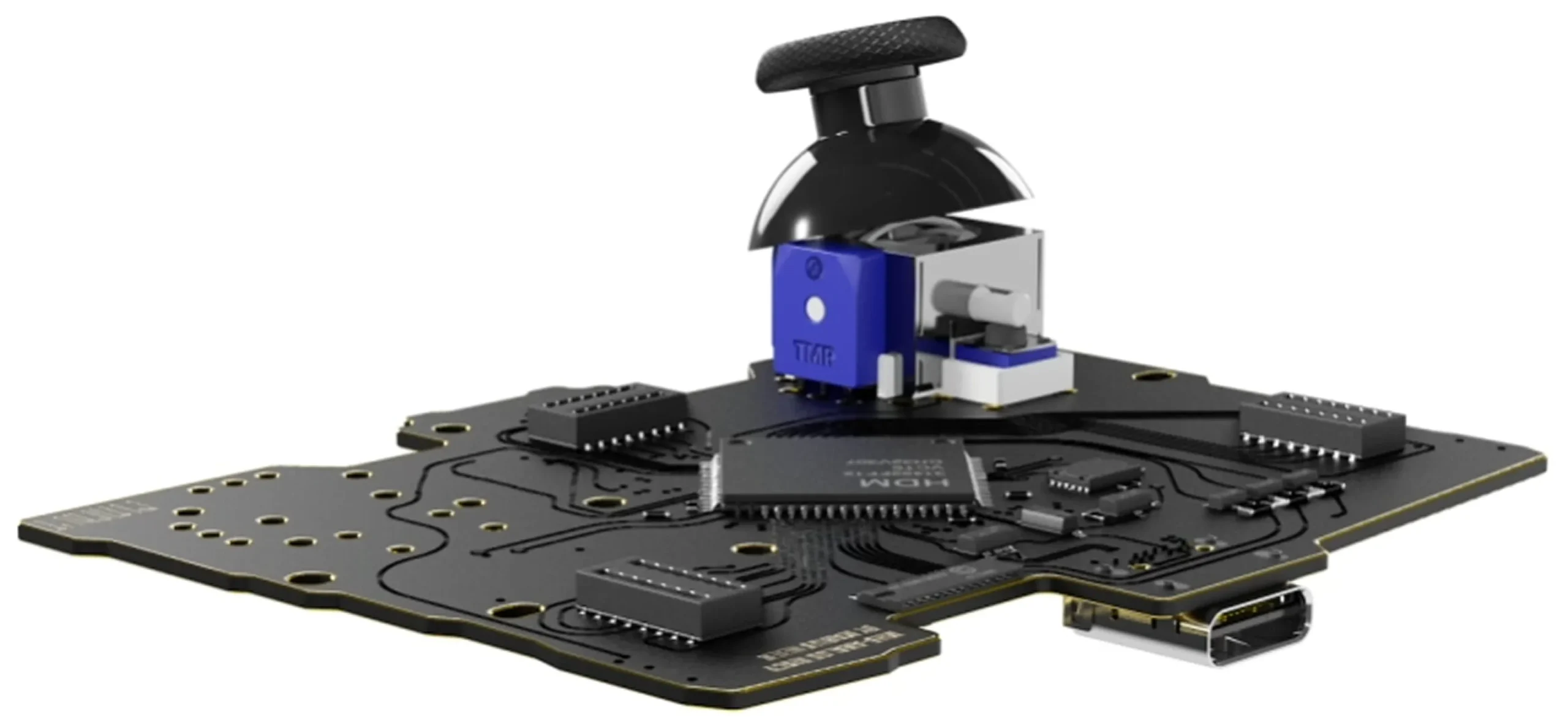
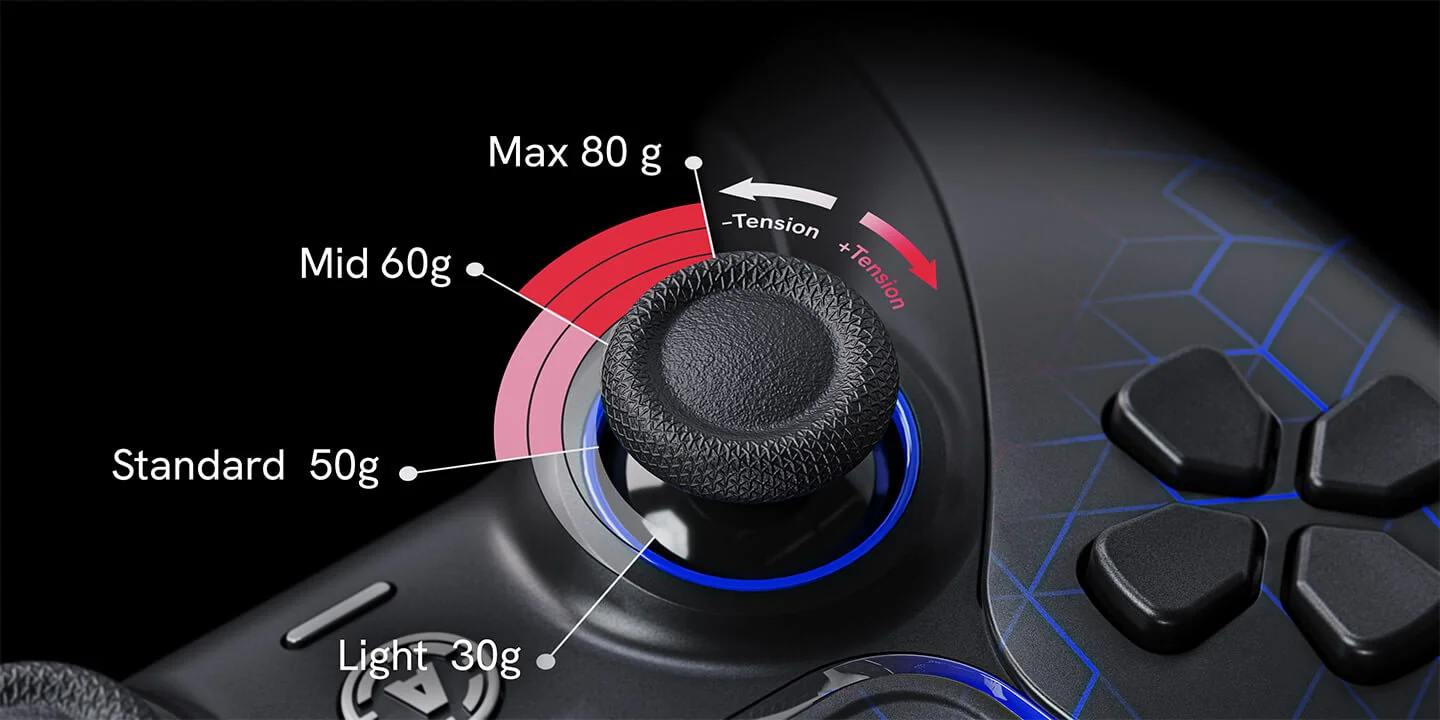
Traditional sticks use potentiometers that wear down through physical contact, and that wear becomes drift. TMR reads stick position with magnets. Nothing touches, so your accuracy holds over time. Choose Standard TMR for balanced precision, or Tension TMR with resistance from 30 to 80 gf.
Mouse-click triggers
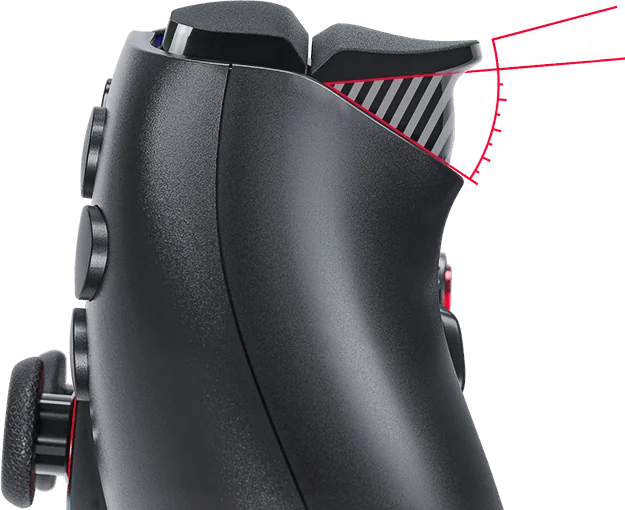
Digital triggers and bumpers use mouse-click style switches: shorter travel, faster actuation, the shot goes off the moment you decide. Tune rest point, activation, and travel in the calibration software, or keep full analog when a game needs it.
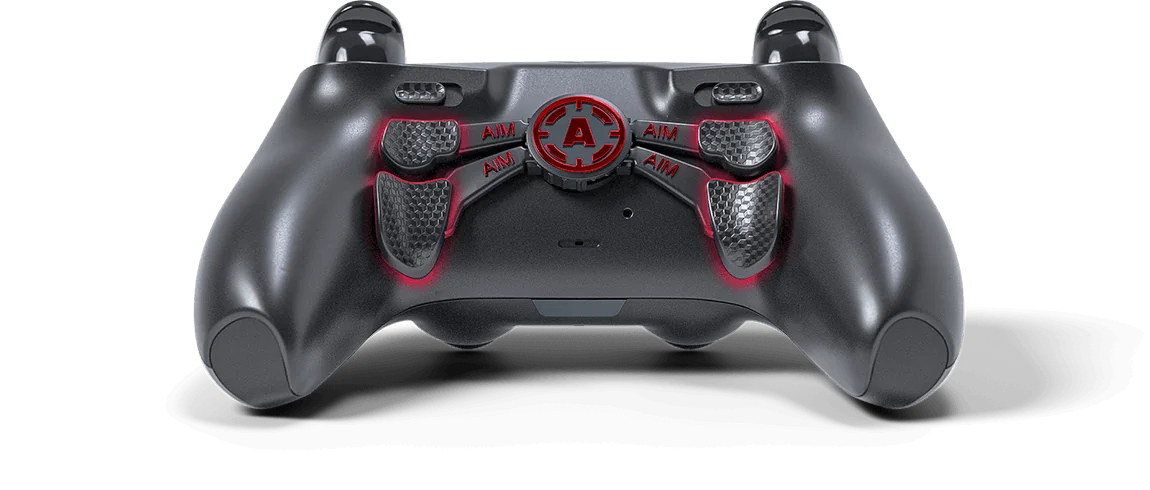
Up to four back buttons
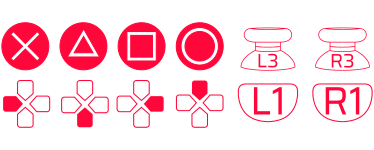
Put jump, slide, ping, or reload under your fingertips and keep your thumbs on the sticks. Map up to four rear buttons around the way you already play.
Set your stick tension
Tension TMR sticks let you dial spring resistance: 30 to 40 gf for fast flicks, 50 to 60 gf for balanced play, 70 to 80 gf for fine tracking and recoil control. Set it to what sits right under your thumb.
How the Aim MH5 stacks up
Compared on PC over wired USB.
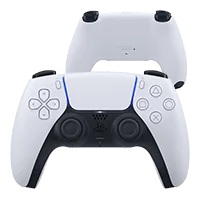
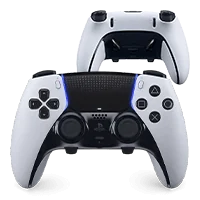
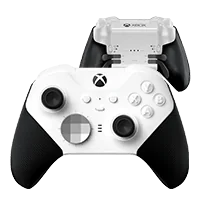
Designed with Marius Heier
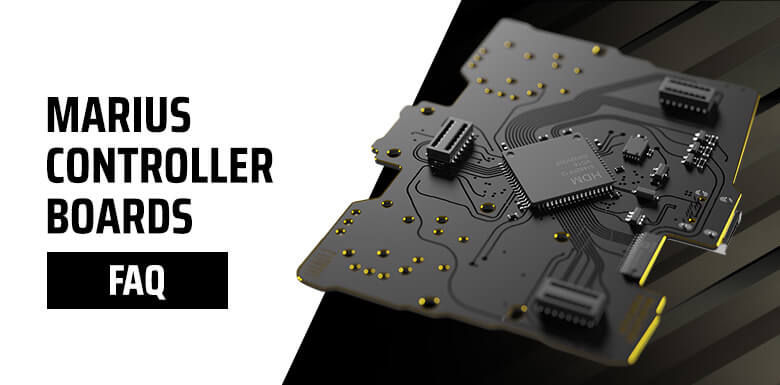
Built with Marius Heier, the hardware modder behind the Marius Board, then assembled and backed by AimControllers so you skip the soldering.
“
“
“[komentarz YouTube + timestamp]”
[liczby proof bar: rating, liczba zbudowanych, lata]
One build. Every core mod included.
- 8000 Hz board with 0.125 ms latency
- TMR anti-drift sticks with adjustable tension
- 1mm click triggers and four programmable back buttons
- Core mods in the base price, no surprise upsells
Built to order in the US · Secure checkout · PC only, does not work on consoles
Prefer a finished design?
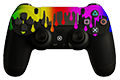
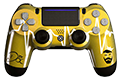
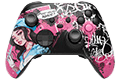
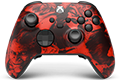
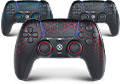
Four of the most picked Aim MH5 designs. Choose one and pick Basic, Pro or MAX on the next page.
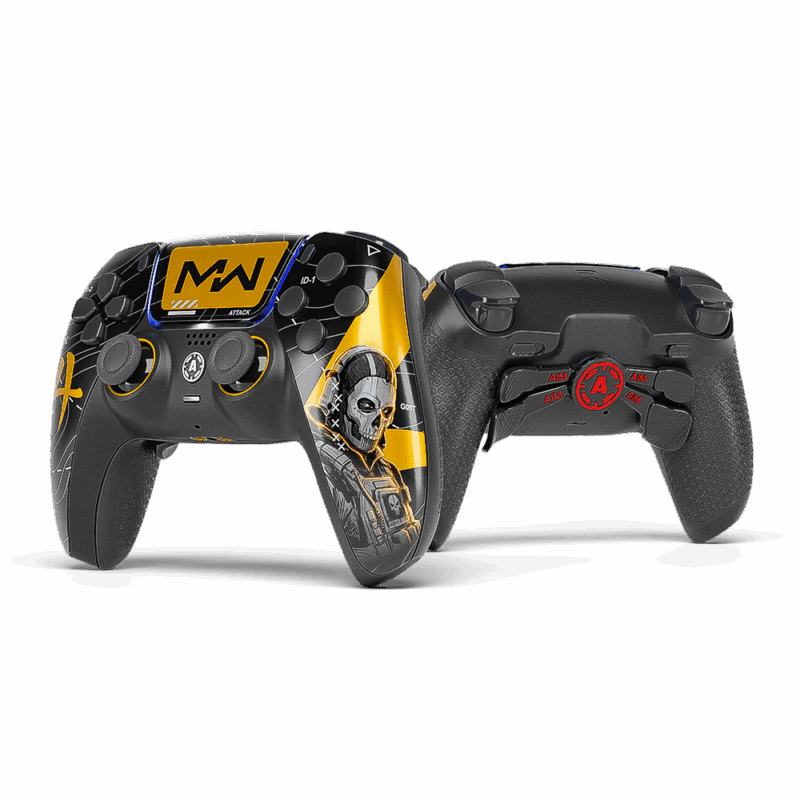
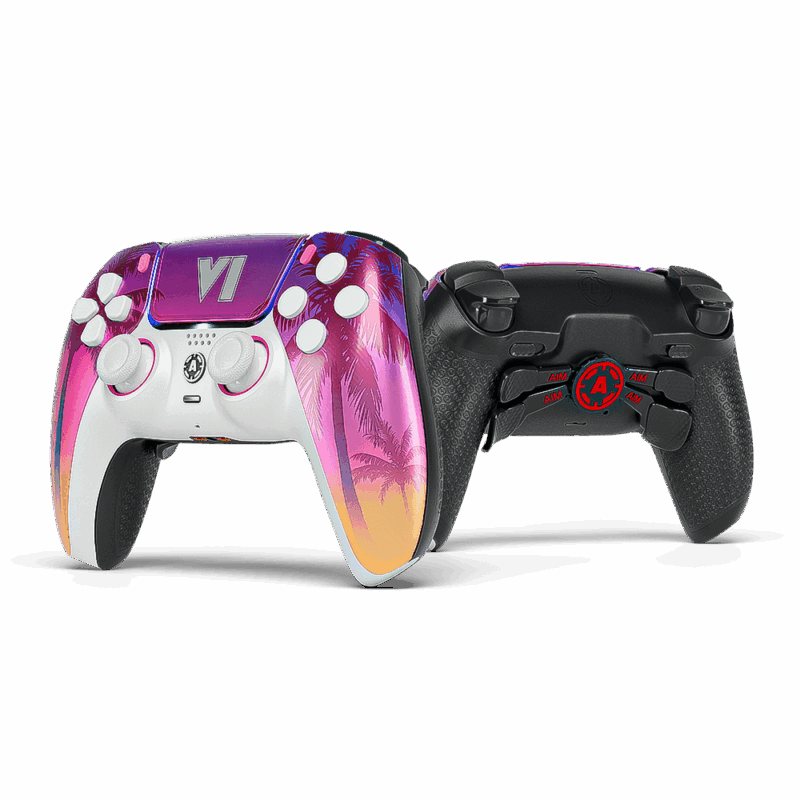
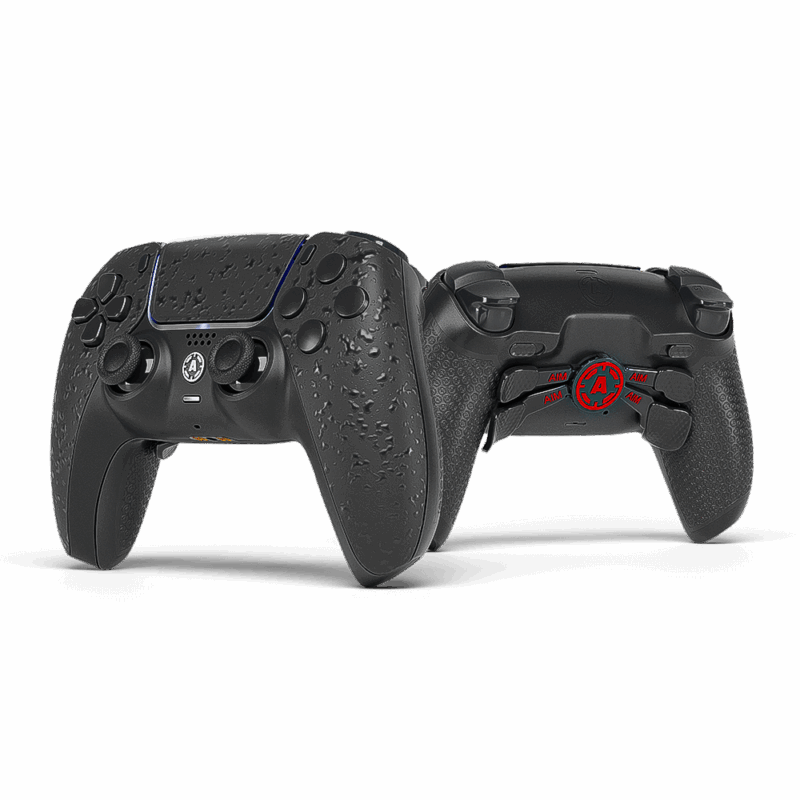
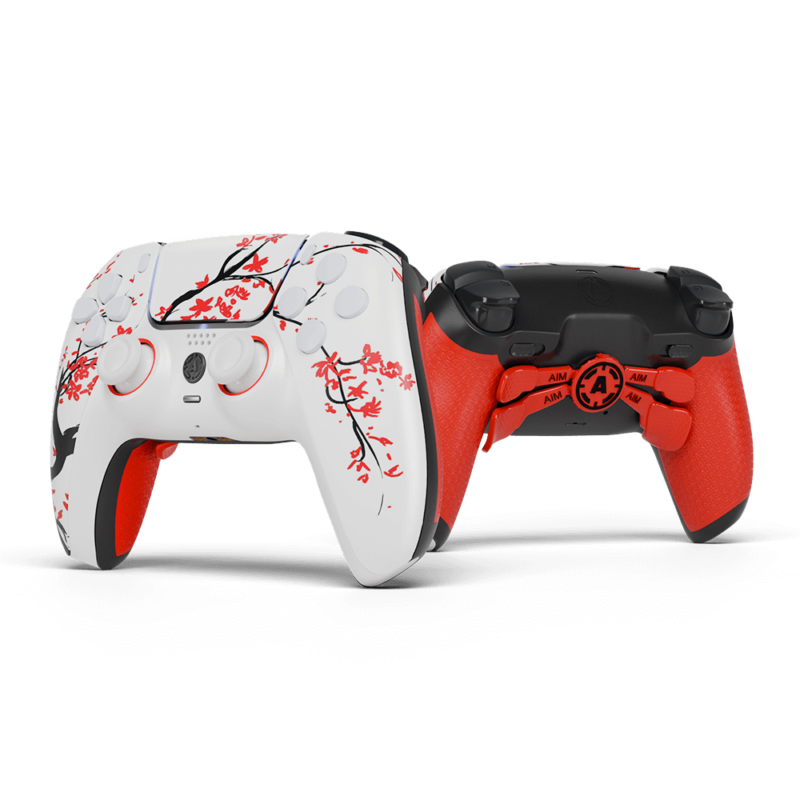
Want your own look? Build it in the configurator
Tune every input
Your Aim MH5 arrives built, tested, and calibrated. When you want more, the Marius calibration software gives you hardware-level control, and your settings save on the controller, not the PC.
Response curves
Linear, dynamic, or exponential, matched to your sensitivity and genre.
Deadzone tuning
Independent inner and outer deadzones to kill drift without losing response.
Circularity & recenter
Correct stick circularity and quick-recenter without a full recalibration.
Polling & triggers
Set polling from 1000 to 8000 Hz and fine-tune trigger activation.
The Aim MH5 is a performance-focused controller, and getting the most from it rewards some hands-on technical know-how. AimControllers builds, mods, and ships the hardware as an authorized installer of the board. Any extra modifications are optional and up to you.
Tech specs*
No Bluetooth, wireless, rumble, touchpad, gyro, internal battery, macros, keybinding, headphone jack, or reset button. Each one removed to keep the input path fast.
* Specs reflect the current build and may change as the Aim MH5 is updated. Full 8000 Hz performance requires a wired USB connection direct to a high speed PC port.
Ready to build yours?
Set up your Aim MH5 the way you play. It takes a few minutes. Experience what your controller was always meant to be.
Built to order in the US · Secure checkout · PC only.
Frequently asked questions
What do I get with an Aim MH5 instead of just the board?
What is the best way to connect it to my PC?
Analog or Digital buttons for competitive play?
How do I confirm my polling rate?
What if it isn’t reaching the expected polling rate?
Who is the Marius JDM-5X platform for?
What features are not available on the MH5?
Is it ready to use out of the box?
Which bumper option should I pick?
Why does my aim feel jittery sometimes?
Can I use HIDUSBF to overclock it?
TMR vs Hall Effect sticks?
Do I need DS4Windows or other software?
Where are the setup, update, and configuration tools?
Setup & configuration: devsetup.mariusheier.com
Firmware updates: update.mariusheier.com
Polling verification (DEEPPOLL): tools.mariusheier.com