


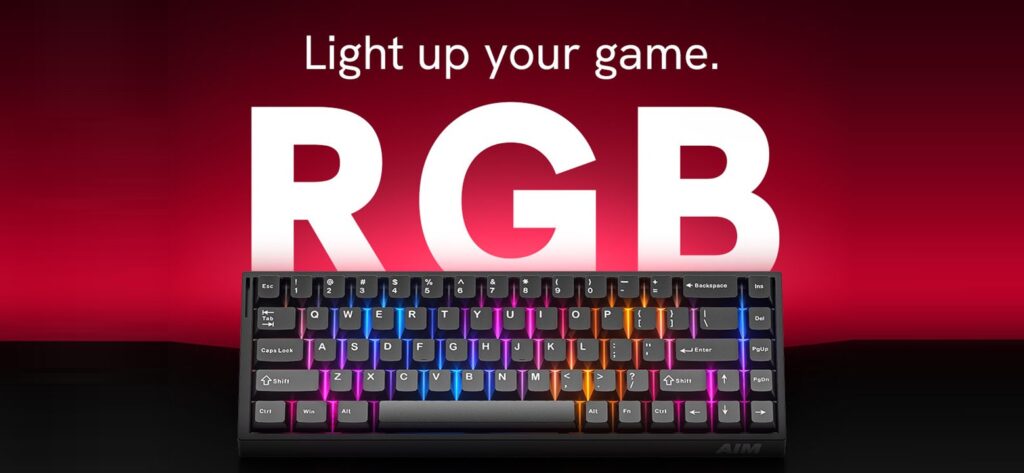


Aim Magnetic Gaming KeyboardBuilt to react.
MAGNETIC SWITCHES. 8000 HZ. RAPID TRIGGER.
Every press. Every release. Every movement. A compact 68-key keyboard that reads the exact position of every key, resets in 0.01 mm and reports to your PC up to 8,000 times per second.
14 business days production · Hot-swappable switches & keycaps · Settings saved on the keyboard
It knows where
every key is.
Most keyboards only know two states: pressed or not pressed. A magnetic keyboard measures how far each key is pressed – all the time.
A mechanical switch fires when two metal contacts touch at one fixed depth. To fire again, the key has to travel back past a fixed reset point – the same for every key, for every player, in every game.
Magnetic switches remove that limit. Because the keyboard always knows the exact depth of each key, you choose where it activates, it resets the moment the key starts to rise, and features like DKS can react to different depths of the same key.
Full-travel sensing
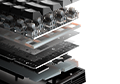
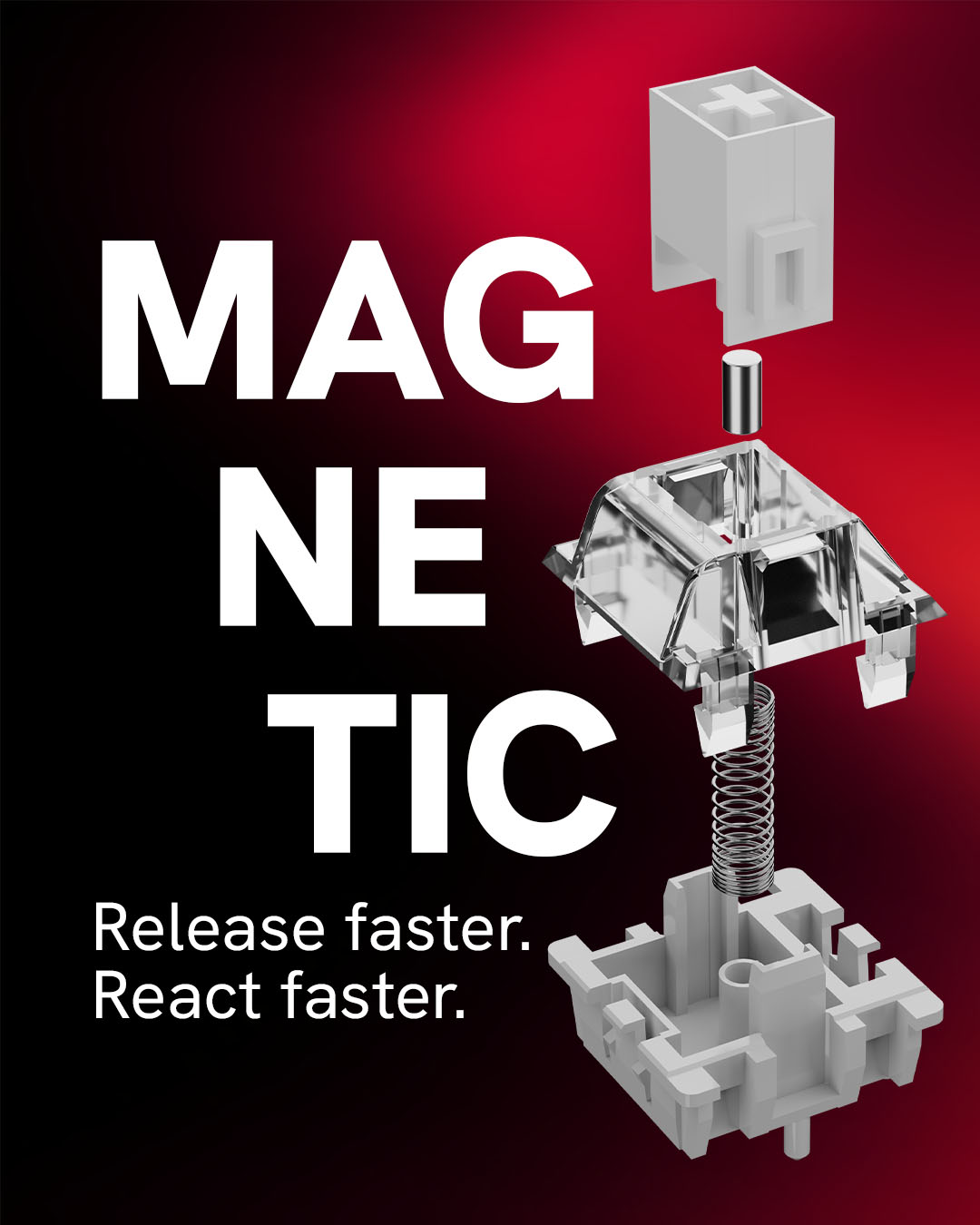
A magnet in every switch and a sensor on the PCB track each key from top to bottom.
No debounce delay
There are no metal contacts that need time to settle, so nothing holds your input back.
Tuned per key
Actuation and Rapid Trigger can be set separately for every single key.
Rapid Trigger
Forget fixed reset points. Rapid Trigger dynamically adjusts activation and reset based on the movement of the key.
Traditional switch
Fixed actuation and reset points. The key has to come back up past the reset point before it can fire again.
With Rapid Trigger
The key resets the moment it starts to rise, with 0.01 mm sensitivity. Lift slightly, press again – the input is already there.
No waiting for the key to return to a fixed point. In tactical shooters that means you stop the instant you lift your finger – cleaner counter-strafes and faster peeks.
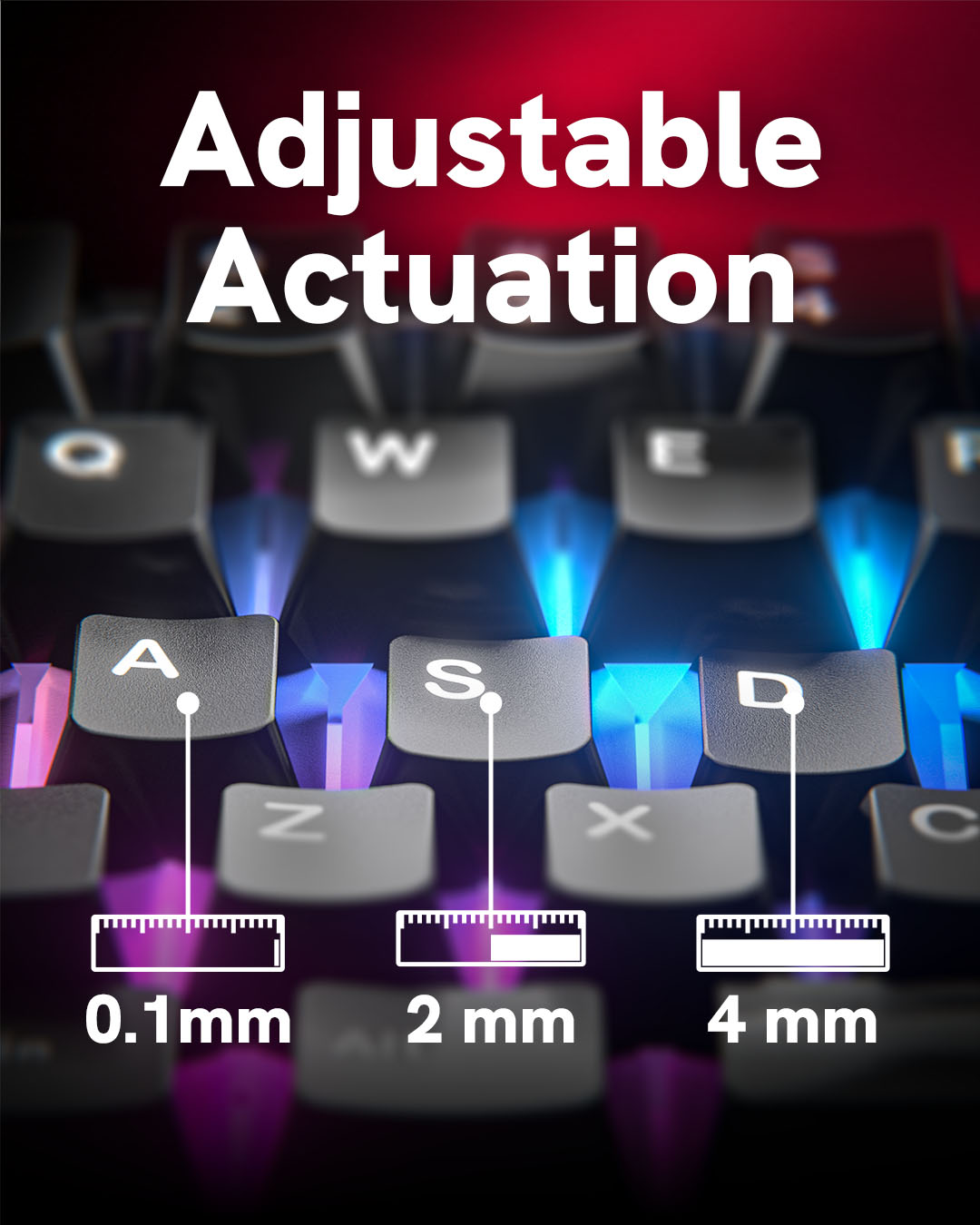
Adjustable from
0.1 to 4 mm
Set individual keys exactly how you want them. Go hair-trigger on movement, keep abilities and utility deeper, and save it all on the keyboard.
Dial it in
in a few minutes.
A proven starting point for competitive play. Fine-tune from here – every key can have its own settings.
Movement
Instant starts and stops for strafing, peeking and dodging.
Counter-strafe
Decide what happens when both directions are held – where your game’s rules allow it.
Utility & abilities
Deeper presses prevent accidental grenades, abilities or ultimates in the heat of a fight.
Everything else
A balanced feel for typing, chat and everyday play.
All settings are stored on the keyboard – set them once and play anywhere.
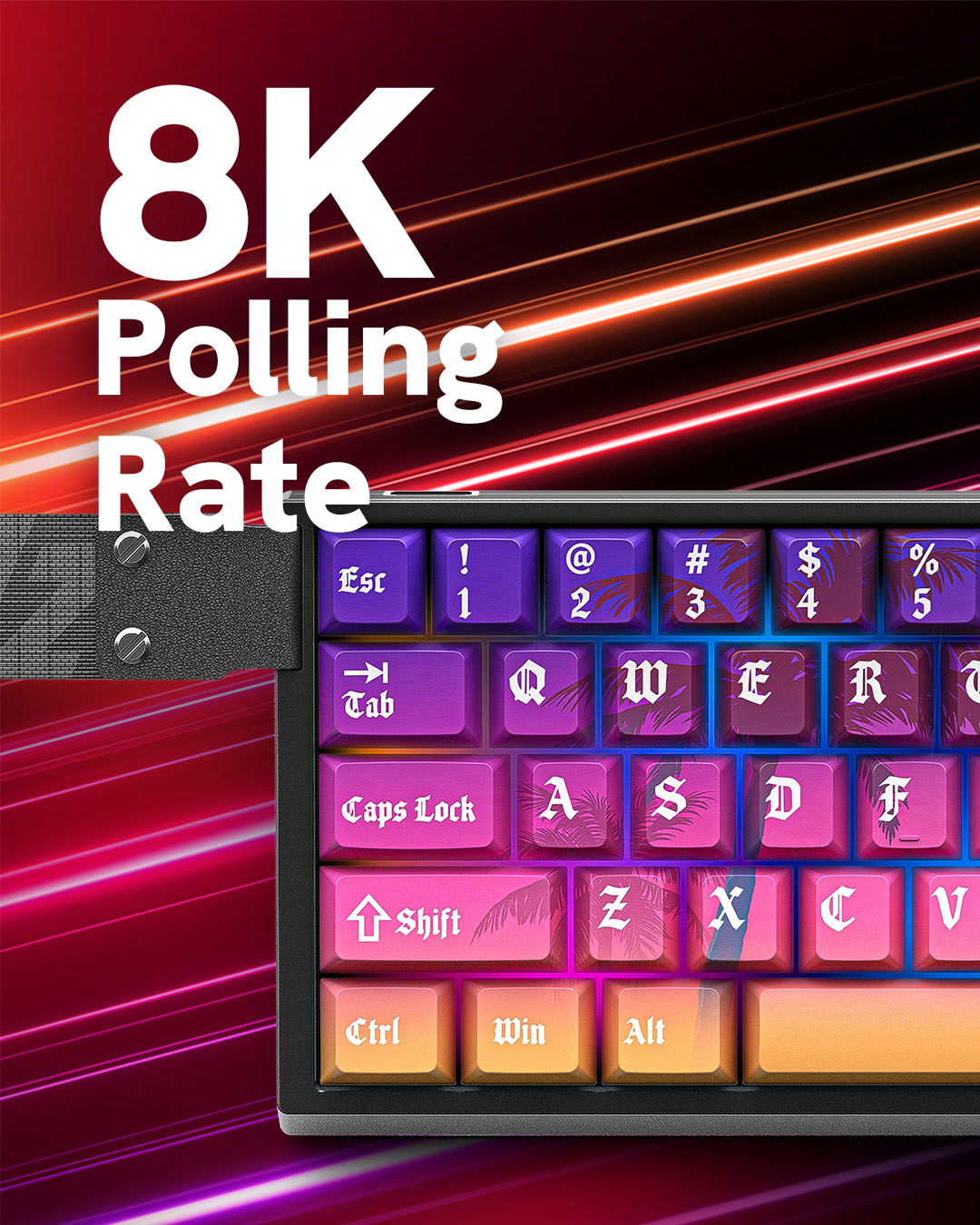
8x the polling.
Built for speed.
Polling rate is how often the keyboard reports to your PC. Standard gaming keyboards do it 1,000 times per second. This one does it up to 8,000 times.
Your inputs are reported up to 8,000 times per second.
The keyboard constantly scans for your next move.
Lower is faster. Interval = 1 second ÷ polling rate.
Built different from
the switch up.
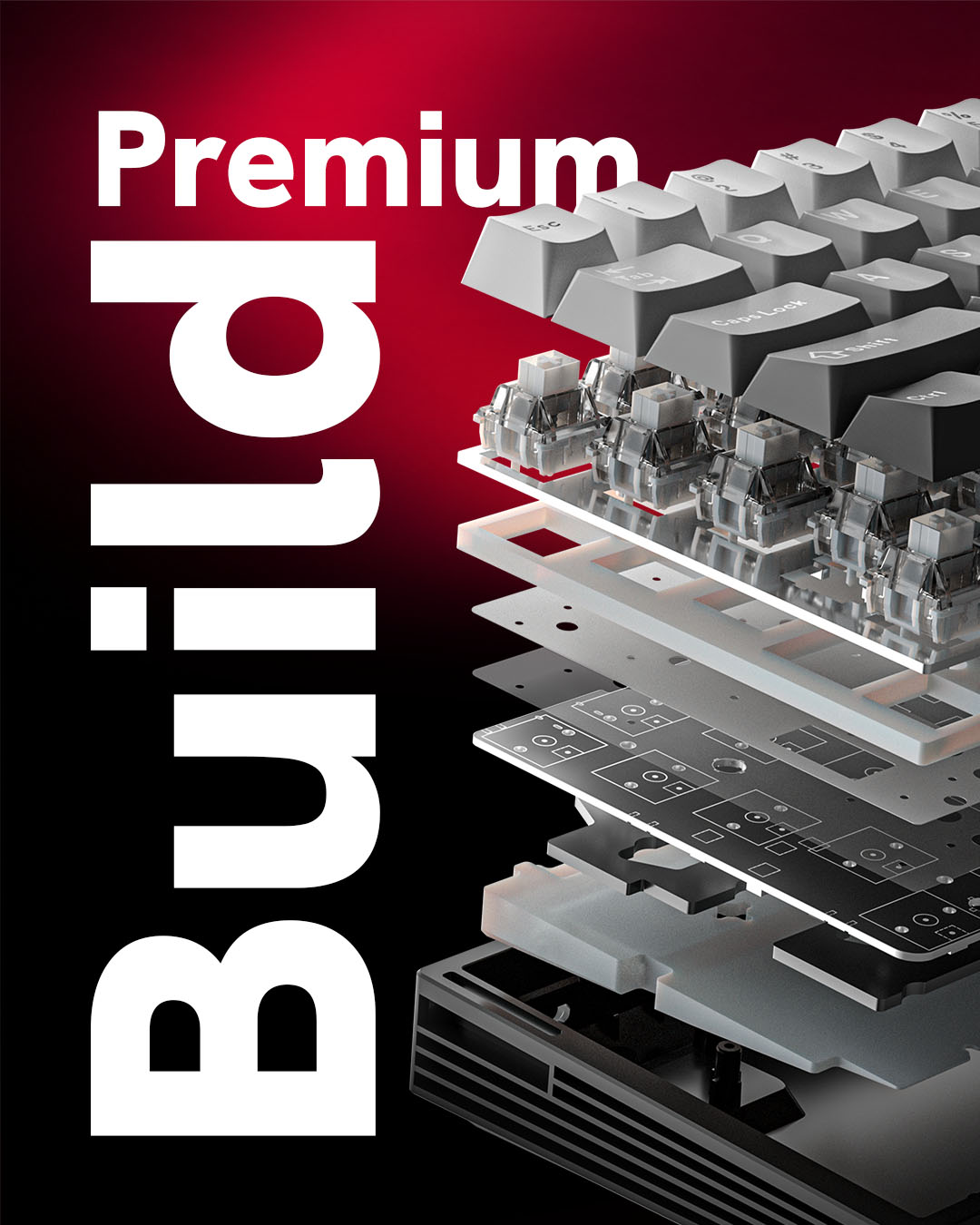
Magnetic switches give you precise control over actuation without relying on a traditional fixed mechanical activation point.
Switches and keycaps are hot-swappable, so the keyboard grows with you: try a different switch feel, fit a custom keycap set or replace a single switch in seconds – no soldering.
Swap. Customize. Make it yours.
Advanced gaming features
Tools that go beyond what a fixed-contact keyboard can do – all running on the keyboard itself.
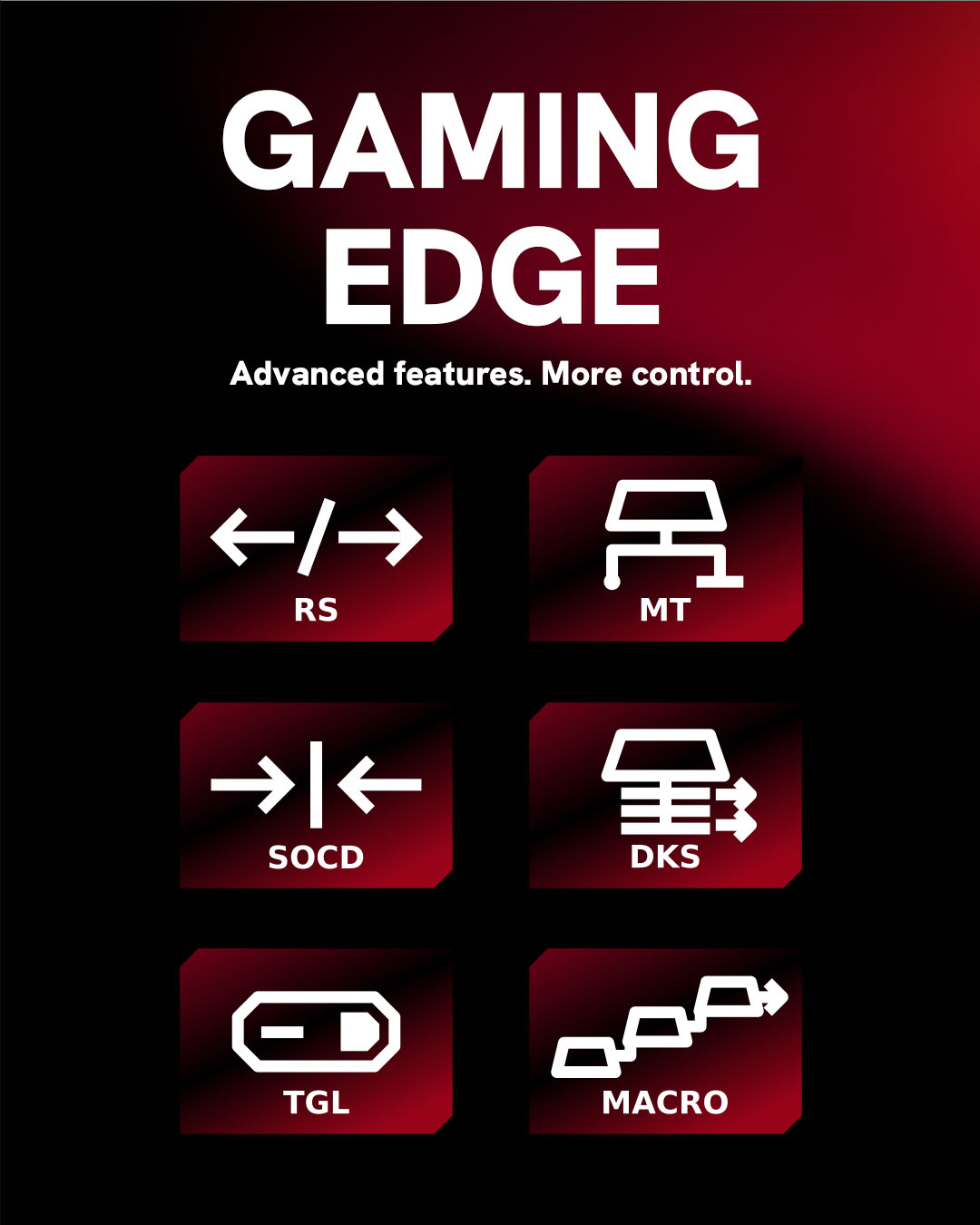
DKS
Assign different actions depending on how far you press or release a key.
Rappy Snappy (RS)
Monitor two selected keys and prioritize the one pressed deeper.
SOCD
Choose how the keyboard responds when two selected directional keys are activated.
MT / TGL
Give individual keys multiple behaviors and functions.
Some games and tournaments don’t allow features that automate opposing inputs, such as SOCD or Rappy Snappy. Check the rules of your game and switch them off in the software whenever needed.
Tuned for your game.
Every genre asks something different from your keys. Here is where this keyboard makes the biggest difference.
Stop on a dime.
Rapid Trigger and 0.1 mm movement keys make counter-strafes and peeks feel instant.
More actions, less reach.
DKS puts several actions on one key, so movement tech stays under your fingers mid-fight.
More binds in 68 keys.
MT / TGL gives keys a tap and a hold function – more abilities without stretching across the board.
Every tap counts.
Low actuation and 0.01 mm Rapid Trigger keep up with fast streams and repeated taps.
Magnetic vs. the rest
Typical values for standard gaming keyboards, compared over wired USB.
Choose an Aim design.
Or create your own.
Your keyboard shouldn’t look like everyone else’s.
Customize the design and build a setup that’s completely yours.
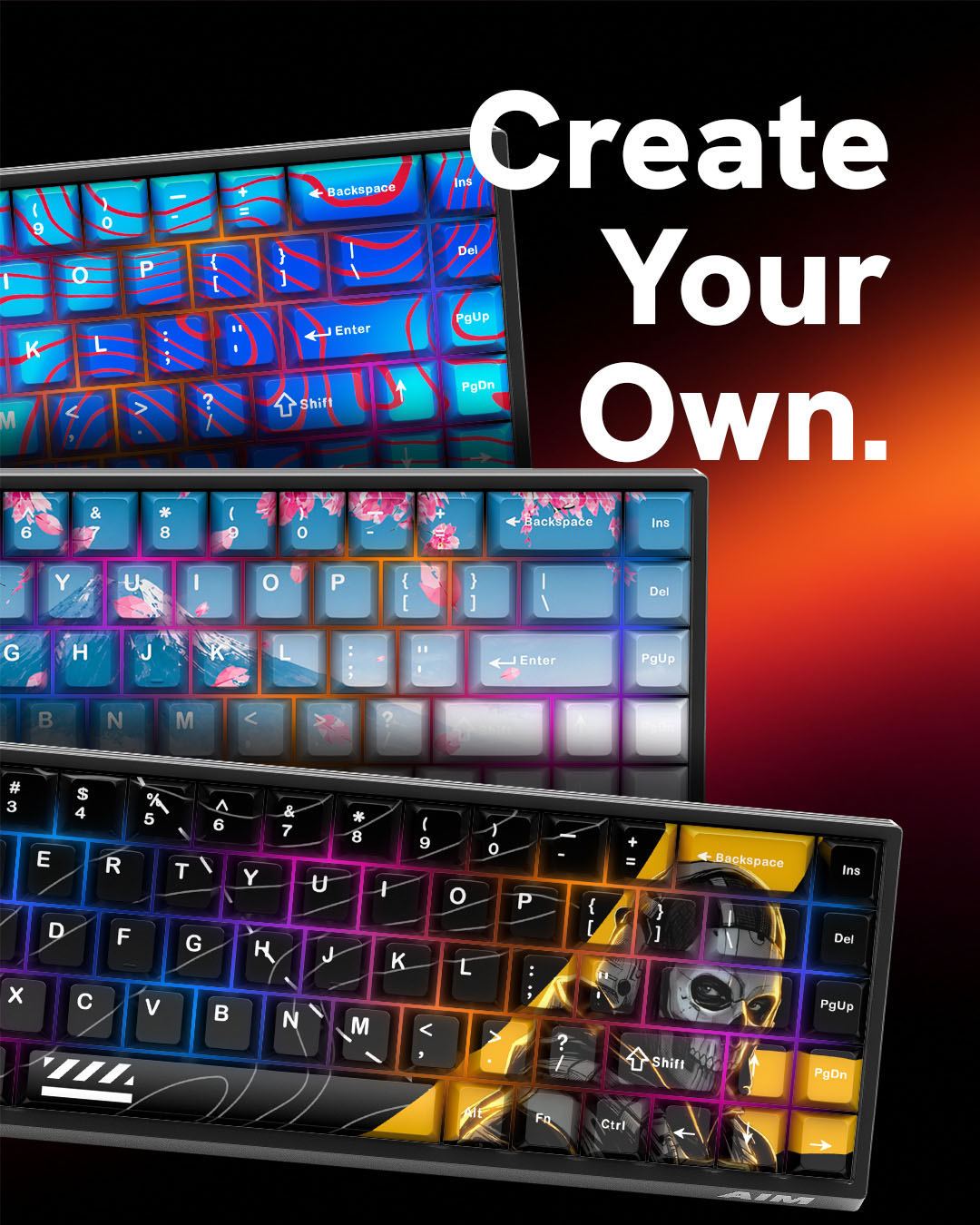
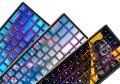
Aim designs
Pick one of our ready-made designs and get straight to playing.
Create your own
Design the look in our builder and get a keyboard nobody else has.
New keyboards are made to order – production takes 14 business days.
Tech specs*
*Specifications may be updated as the product evolves.
Frequently asked questions
What makes a magnetic switch keyboard faster than a mechanical one?
How does Rapid Trigger work?
What is adjustable actuation (0.1–4 mm)?
Why do 8000 Hz polling and a 128 kHz scan rate matter?
What are DKS, SOCD, Rappy Snappy and MT / TGL?
Advanced input behaviors built for competitive play:
- DKS (Dynamic Keystroke): up to 4 different actions based on press and release depth.
- Rappy Snappy: tracks two opposing movement keys and prioritizes the one pressed deeper.
- SOCD (Simultaneous Opposing Cardinal Directions): resolves opposing inputs (e.g. A + D) instantly for clean counter-strafing.
- MT / TGL (Mod Tap / Toggle): one action on tap, a different one on hold or toggle.
Are SOCD and Rappy Snappy allowed in every game?
Are the switches and keycaps hot-swappable?
What layout does the keyboard have?
How do I connect the keyboard to get true 8000 Hz?
Why does 8000 Hz stutter or drop frames in some games?
Do I need software running in the background while playing?
Can I design my own keyboard?
How long does production take?
More from AimControllers
Speed doesn’t stop at the keyboard. Build the rest of your setup with the same mindset.
Aim MH5 PC controller
Native 8000 Hz polling for controller players – the same speed, in your hands.